Turn Your Desk Into a Personal AI Data Center
Discover how a desktop AI dev box with Grace CPU, Blackwell GPU, and secure containers can replace cloud GPUs for private, high‑performance model development.

Discover how a desktop AI dev box with Grace CPU, Blackwell GPU, and secure containers can replace cloud GPUs for private, high‑performance model development.
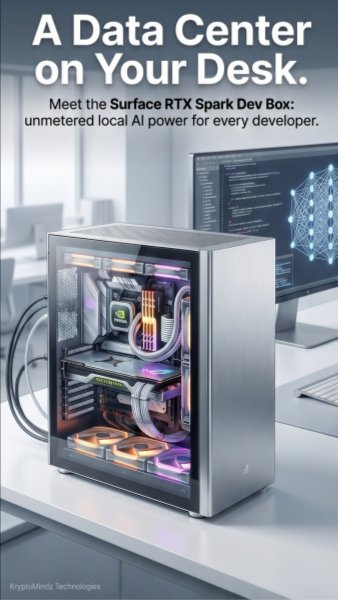
What if the kind of AI compute normally reserved for a data center could sit right on your desk? Grace + Blackwell brings that idea into practical reach by combining high-performance local AI hardware with a developer-friendly workstation footprint. Instead of waiting on shared cloud GPUs or moving sensitive datasets across external infrastructure, teams can prototype, fine-tune, and run advanced AI models locally. For AI engineers, researchers, and enterprise innovation teams, this means faster iteration cycles and more control over where data lives. It turns desktop AI compute from a convenience into a serious foundation for private, high-performance model development.
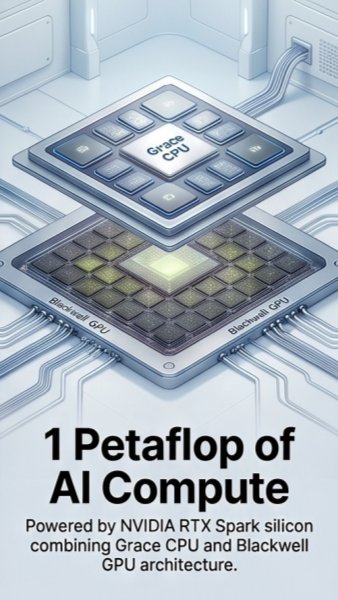
Unified 128GB memory can dramatically change what developers can do with large language models because the CPU and GPU can work from a shared memory pool instead of constantly moving data back and forth. Paired with a Grace CPU and Blackwell GPU architecture, this setup delivers serious local AI compute for workloads that would typically require remote servers or rented clusters. That matters when running larger models, testing longer prompts, or experimenting with retrieval-augmented generation without hitting memory ceilings too quickly. For practical use cases like model evaluation, agent testing, and enterprise AI prototyping, more unified memory means fewer compromises. The result is a smoother path from idea to working AI application, especially for teams that need performance without giving up local control.
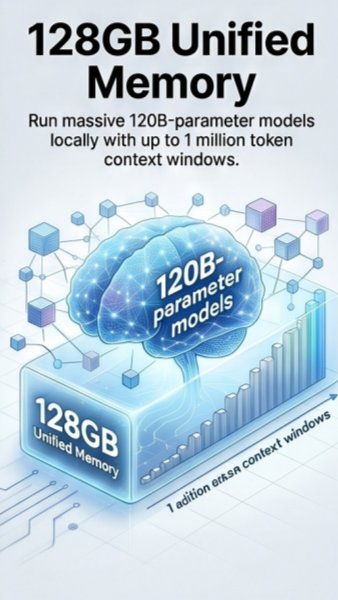
A ready-to-code AI environment removes one of the biggest blockers in machine learning development: setup time. With the system pre-configured for modern AI workflows, developers can move straight into testing models, building applications, and experimenting with large-context workloads. The 128GB unified memory support also makes it realistic to work with massive models and million-token context windows while keeping data private and close to the source. For example, a legal team could analyze long contract libraries locally, while a research group could test large-document reasoning without uploading proprietary material to third-party services. This combination of instant usability and local model capacity helps teams spend less time configuring tools and more time building useful AI systems.
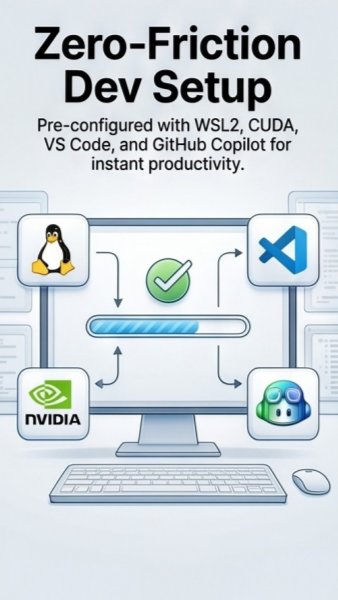
Secure execution containers make it easier to test multiple AI agents on the same machine without letting one experiment interfere with another. Each agent can run inside its own OS-enforced sandbox, which is especially valuable when autonomous tools are writing files, executing code, or interacting with sensitive workflows. Combined with a development environment that includes WSL2, CUDA, VS Code, and GitHub Copilot, the system supports both speed and safer experimentation. A team could run one agent for code generation, another for data analysis, and a third for workflow automation while keeping each process isolated. This approach gives developers a practical way to explore agentic AI without treating every test as a security risk.
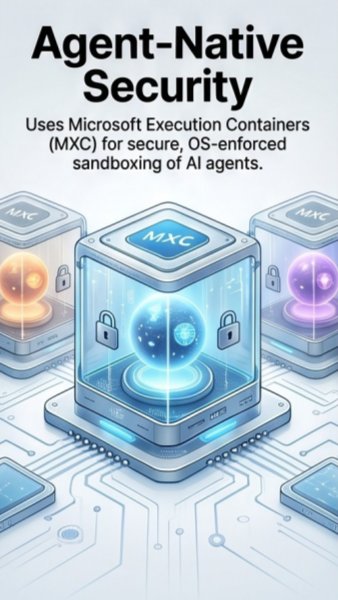
Moving from rented cloud time to owned AI infrastructure changes both the economics and the workflow of AI development. Instead of paying for every hour of GPU access or waiting for cloud availability, teams can run experiments, evaluate models, and test agents on hardware they control. Microsoft Execution Containers strengthen that local-first model by keeping each AI agent in a separate sandbox, making the same physical machine suitable for sensitive workloads and experimental tools. This is especially useful for organizations handling regulated data, proprietary code, or customer information that should not leave internal systems. Over time, owned local AI infrastructure can provide more predictable costs, stronger data governance, and faster development cycles.
Follow the hub for production AI infrastructure, deployment, observability, cost and reliability resources.
Related Service AI Agents & LLMOps DeliveryMove copilots and agents from demos to governed production workflows with monitoring and cost controls.
Implementation Use Case Secure AI Knowledge Operations AgentSee how AI agents can answer, route and govern operational knowledge for teams with traceable controls.
Recommended Course EU AI Act Strategy & LeadershipBuild leadership fluency in AI governance, risk, operating models and practical readiness planning.
YouTube Playlist Production LLMOps ArchitectureWatch the playlist on cutting GenAI costs, latency, failures and production reliability risks.
Book a Discovery Call Map This to Your RoadmapDiscuss how this topic applies to your product, compliance posture, architecture or delivery plan.
Editorial trust
Each KryptoMindz article is reviewed against current enterprise AI, blockchain, digital identity and compliance practices before publication or major updates.
Founder-led perspective from KryptoMindz Technologies, focused on secure AI adoption, Web3 risk, digital identity and enterprise trust architecture.
LinkedIn profileResearch, engineering and advisory work across AI Agents, Enterprise Blockchain, Digital Identity and Digital Trust Engineering.
YouTube channelDiscover more insights and resources on our platform.
Visit Kryptomindz