How to Use Claude AI as a 24/7 Small Business Assistant
Discover how Claude AI can automate admin, paperwork, and follow-ups for your small business so you can focus on growth, strategy, and higher-value client work.
Discover how Claude AI can automate admin, paperwork, and follow-ups for your small business so you can focus on growth, strategy, and higher-value client work.
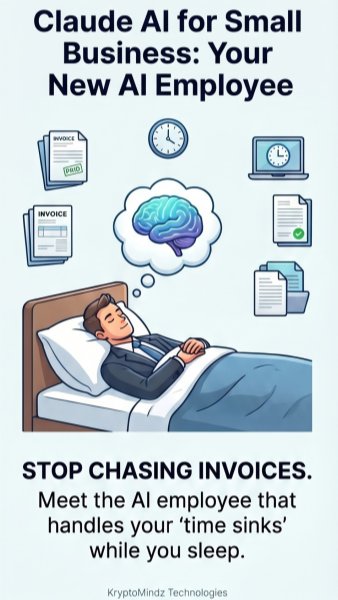
Claude for small business can act like an always-on AI employee that handles the repetitive work your team never has enough time for. Instead of spending late nights drafting follow-up emails, summarizing customer notes, organizing documents, or turning messy ideas into polished content, you can hand those tasks to Claude and review the finished work. For a lean team, this means faster execution without immediately hiring another admin, marketer, or operations assistant. The real value is not replacing people, but giving your business extra capacity where bottlenecks slow growth. With the right setup, Claude becomes a dependable layer of support that keeps moving while you focus on decisions, relationships, and revenue.
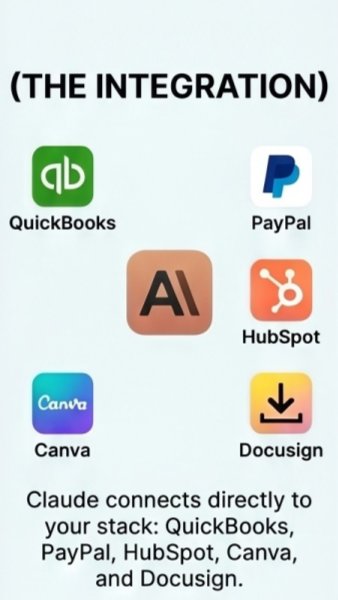
Most small businesses already rely on a connected tech stack, from QuickBooks and PayPal to HubSpot, Canva, DocuSign, and Google Workspace. These tools can send data back and forth, but they rarely understand what the data means or what should happen next. That is where AI automation becomes powerful: Claude can sit above your existing systems to interpret context, draft responses, flag missing information, and recommend next steps. For example, it can review a signed proposal, prepare a client onboarding checklist, and draft the first welcome email before you even open your inbox. Instead of adding another disconnected app, Claude can help turn your existing software stack into a smarter small business operations system.
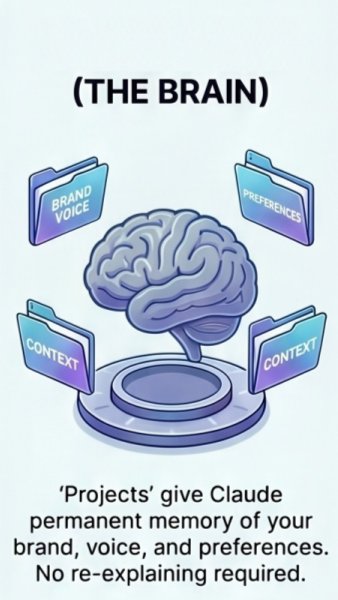
To make Claude genuinely useful, you need to train it on how your business thinks, writes, and makes decisions. That means giving it access to brand guidelines, customer profiles, pricing rules, service descriptions, proposal templates, FAQs, and examples of your best work. Once Claude understands your context, it can produce emails, social posts, client summaries, SOPs, and internal notes that sound closer to your actual brand voice. This reduces the back-and-forth that happens when AI gives generic answers and forces you to rewrite everything. Over time, a well-structured AI knowledge base becomes a practical business brain that helps your team make faster, more consistent decisions.
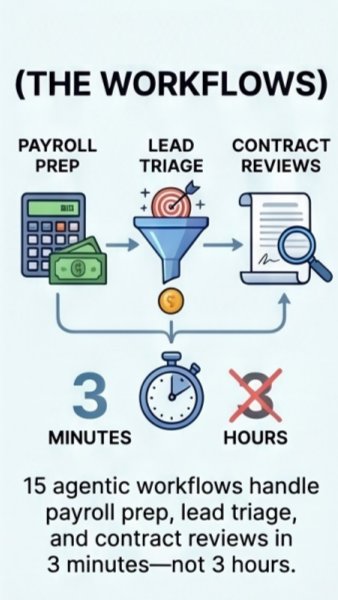
Once Claude understands your business context, agentic workflows can turn that knowledge into repeatable action. Instead of only answering questions, Claude can follow approved steps to triage new leads, summarize sales calls, prepare payroll reminders, review contract language, or organize project updates. For example, a new inquiry can trigger Claude to assess fit, draft a response, update a CRM note, and prepare questions for the sales call. These AI workflows are especially useful for small business operations because they reduce manual handoffs and keep routine processes moving. The goal is to automate the predictable parts of work while leaving judgment, approvals, and relationship-building to humans.
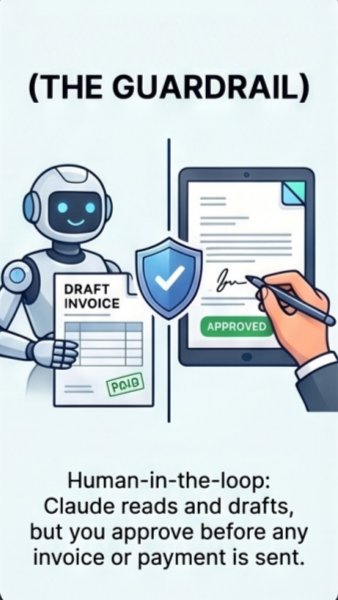
AI can save hours in finance and admin, but sensitive work still needs clear human-in-the-loop guardrails. Claude can draft invoices, categorize expenses, prepare payment reminders, summarize cash flow questions, and flag unusual contract terms without sending or approving anything on its own. You decide which tasks require review, what approval thresholds matter, and when the AI should escalate instead of act. This approach gives small business owners the speed of automation without giving up financial control or compliance oversight. Used correctly, Claude helps clear the backlog while keeping final authority exactly where it belongs: with you and your team.
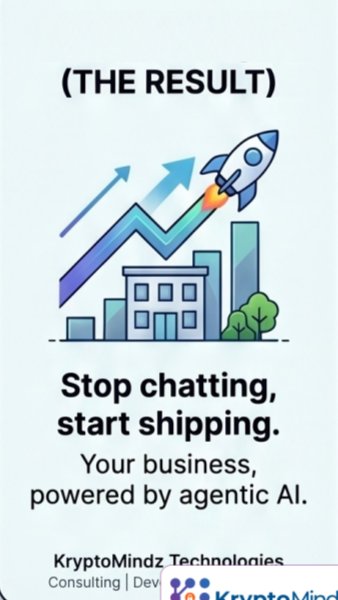
Claude can become the operations hire you are not ready to bring on payroll yet, especially if your team is buried in follow-ups, documents, reporting, and admin tasks. By combining business context, connected tools, agentic workflows, and human approval points, you can build an AI operations assistant that supports the way your company already works. The biggest wins often come from simple use cases first, such as drafting client emails, summarizing meetings, creating checklists, and organizing back-office tasks. As trust grows, Claude can take on more complex workflows while you maintain control over important decisions. When the admin grind becomes manageable, you free up more time to sell, serve customers, improve systems, and build the next stage of your business.
Follow the hub for production AI infrastructure, deployment, observability, cost and reliability resources.
Related Service AI Agents & LLMOps DeliveryMove copilots and agents from demos to governed production workflows with monitoring and cost controls.
Implementation Use Case Secure AI Knowledge Operations AgentSee how AI agents can answer, route and govern operational knowledge for teams with traceable controls.
Recommended Course EU AI Act Strategy & LeadershipBuild leadership fluency in AI governance, risk, operating models and practical readiness planning.
YouTube Playlist Production LLMOps ArchitectureWatch the playlist on cutting GenAI costs, latency, failures and production reliability risks.
Book a Discovery Call Map This to Your RoadmapDiscuss how this topic applies to your product, compliance posture, architecture or delivery plan.
Editorial trust
Each KryptoMindz article is reviewed against current enterprise AI, blockchain, digital identity and compliance practices before publication or major updates.
Founder-led perspective from KryptoMindz Technologies, focused on secure AI adoption, Web3 risk, digital identity and enterprise trust architecture.
LinkedIn profileResearch, engineering and advisory work across AI Agents, Enterprise Blockchain, Digital Identity and Digital Trust Engineering.
YouTube channelDiscover more insights and resources on our platform.
Visit Kryptomindz